

CV preparation
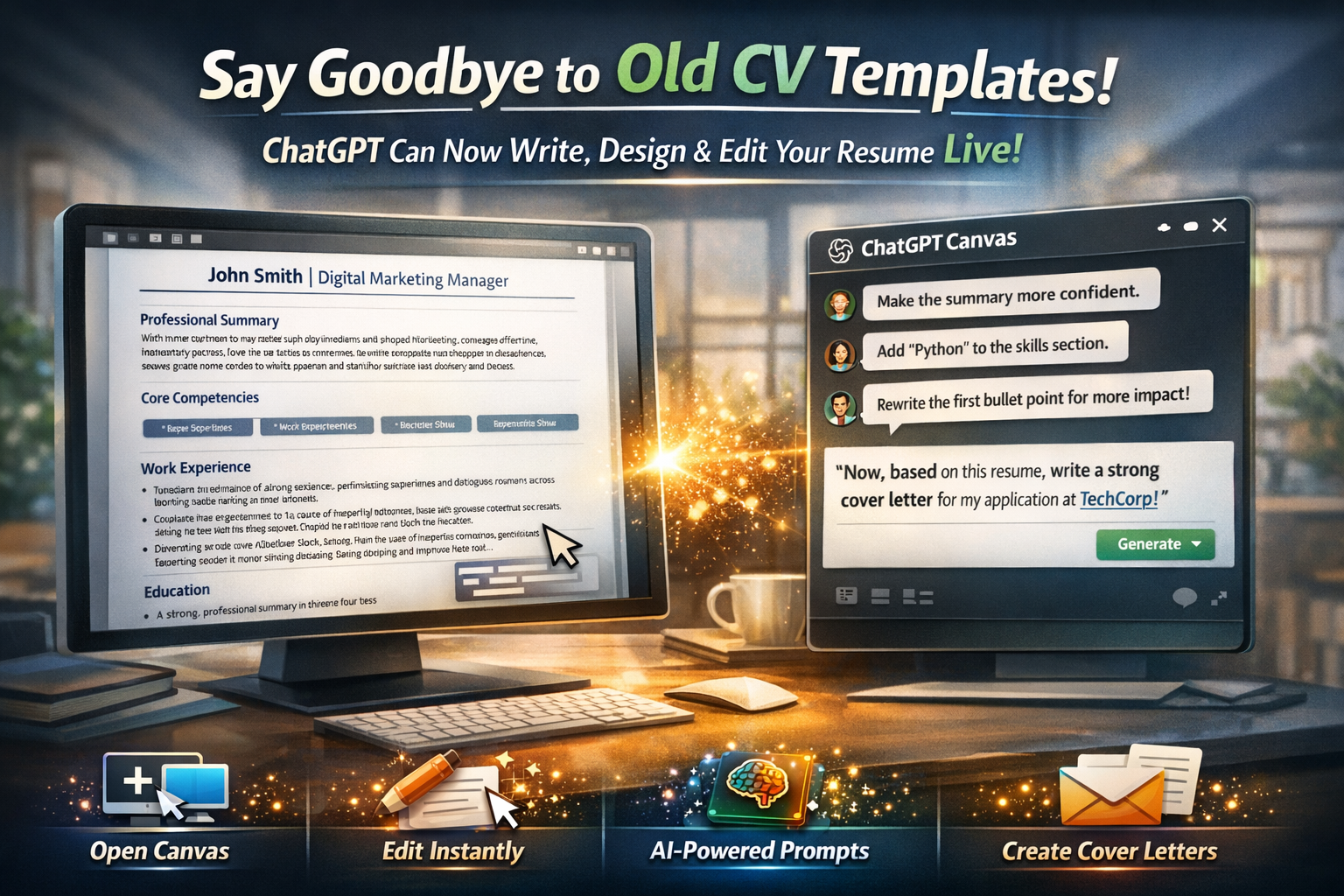
Say goodbye to outdated CV templates. ChatGPT can now write, design, and edit your resume for you in real time.
This works through a built-in Live Editor inside ChatGPT called Canvas. It changes how a CV is created, edited, and refined, all in one place.
Step-by-step guide:
Step 1: Open ChatGPT
Log in to your ChatGPT account. This feature works with GPT-4o and other supported models.
Step 2: Find Canvas
Click the plus (+) button beside the chat box.
A menu will appear. Select the option labeled “Canvas.”
Step 3: Use an expert-level prompt
The prompt shown in images works fine, but a stronger version gives better results. Copy and use the upgraded prompt below:
“Start a Canvas. Your task is to act as a professional career coach and resume writer.
Create a modern, clean, and impactful one-page resume for a [your job title] with [X years] of experience in the [your industry].
Include the following sections:
• A strong professional summary in three to four lines
• A core competencies or skills section with relevant keywords
• A detailed work experience section using clear action verbs and the STAR method
• An education section
The layout should be clean, professional, and easy for recruiters to scan. Now begin.”
Step 4: Fill in your details and run the prompt
Replace the bracketed parts with your own information such as job title, experience, and industry.
Paste the completed prompt into ChatGPT and press Enter.
Step 5: Live editing begins
The Canvas opens instantly.
On the left side, you see your full CV, neatly formatted.
On the right side, you have the regular ChatGPT chat box.
Step 6: The interactive advantage
You now have two powerful options.
Direct editing: Click directly on the CV in Canvas and edit text just like working in Microsoft Word.
AI-assisted editing: Give instructions in the chat box, such as
“Make the summary more confident.”
“Add Python to the skills section.”
“Rewrite the first bullet under my last role to show stronger impact.”
The CV updates instantly on the left side based on your instructions.
Pro tip:
The biggest strength of Canvas is that everything stays on one screen. When your CV is ready, simply type in the chat box:
“Now, based on this resume, write a strong cover letter for a job application at [company name].”
ChatGPT will use your CV details and produce a tailored cover letter without switching tabs.
With ChatGPT Canvas, turning an idea into a polished final document is now far simpler and faster.
Building a CV for your dream job just became much more practical.
Share this with anyone who struggles to create a strong resume.
#AI #ChatGPT #ResumeTips #CareerHacks #Productivity
Share This Article
Comments ()